Choosing the best fast charging adapter can make a big difference in how quickly and safely your smartphone charges. Whether you use an Android phone, an iPhone, wireless earbuds, or another USB-powered device, the right charging adapter can help you get reliable charging without unnecessary delays.
With so many chargers available in Pakistan, choosing the right one can be confusing. Some adapters support 20W fast charging, while others offer 25W, 33W, 45W, or even higher power output. However, a charger with a higher wattage is not automatically the best choice for every device.
In this guide, we will explain how to choose the best fast charging adapter, which features to look for, how charging wattage works, and what you should consider before buying a charger in Pakistan.
What Is a Fast Charging Adapter?
A fast charging adapter is a power adapter designed to deliver electricity to a compatible device at a higher rate than a conventional low-power charger.
Traditional USB chargers often provide relatively low power output, while modern fast charging adapters can deliver considerably more power when the connected device supports it.
Fast charging depends on three main things:
- Charging adapter: The adapter must support an appropriate power output and charging protocol.
- Device compatibility: Your smartphone or other device must support the charging technology.
- Charging cable: The cable must be capable of handling the required power.
If any of these components cannot support the same charging standard, your device may charge more slowly than expected.
Why Should You Buy a Fast Charging Adapter?
A good fast charging adapter offers several benefits for everyday use.
1. Save Time While Charging
Fast charging can reduce the time needed to recharge a compatible smartphone. This is particularly useful when you need to charge your phone before leaving home or during a short break.
The actual charging speed depends on your phone’s battery capacity, supported charging technology, temperature, and current battery level.
2. Convenient Everyday Charging
A suitable adapter makes it easier to keep your phone ready throughout the day. Instead of leaving your phone connected to a charger for long periods, you may be able to add a useful amount of battery power in less time.
3. Charge Compatible Accessories
Some fast charging adapters can also power compatible wireless earbuds, Bluetooth speakers, power banks, and other USB devices.
However, accessories generally draw only the amount of power they are designed to accept. Using a higher-wattage adapter does not automatically force a device to receive more power than it supports.
4. Reduce the Need for Multiple Chargers
A quality USB-C adapter may work with several compatible devices, including smartphones, earbuds, and some tablets. Choosing the right adapter can help reduce the number of chargers you need to carry.
Before using one adapter for multiple devices, check their charging requirements and the adapter’s supported output.
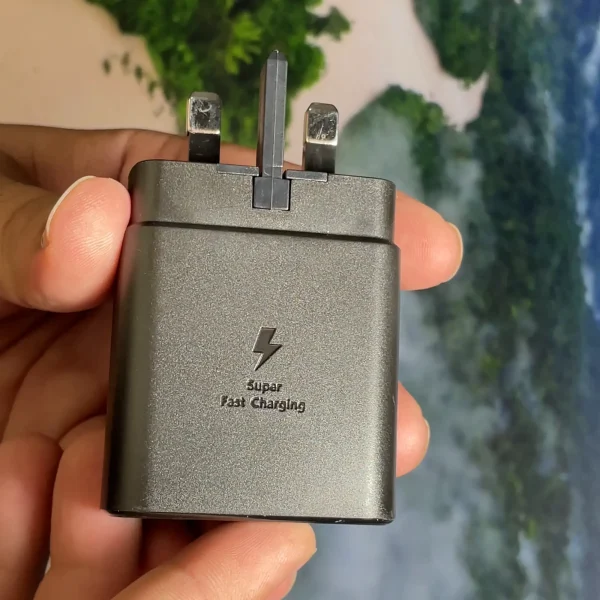
Samsung 45W Super Fast Charger 2.0 Type-C PD Adapter Original (3-Pin)
How to Choose the Best Fast Charging Adapter
Before buying a fast charging adapter, consider the following features.
1. Check the Wattage
Wattage indicates how much electrical power an adapter can supply under supported operating conditions. It is one of the most important specifications to check.
Common charging adapter power ratings include:
- 10W adapter: Suitable for devices that support basic charging.
- 18W or 20W adapter: A common option for compatible smartphones and everyday devices.
- 25W adapter: Suitable for phones that support charging at this power level.
- 33W adapter: An option for compatible smartphones that support higher charging speeds.
- 45W adapter: Useful for supported phones, tablets, and certain other USB-C devices.
- 65W or higher adapter: May suit compatible tablets and laptops, depending on their power requirements.
These wattages are examples, not universal recommendations. Your device may support a different maximum charging speed or require a specific charging protocol.
Buying tip: Check your phone manufacturer’s recommended charging specifications before choosing an adapter. You do not need to buy the highest-wattage charger if your device cannot use its extra power.
2. Choose the Right Charging Port
Charging adapters commonly use USB-A or USB-C ports.
USB-A: This is the traditional rectangular USB port found on many older chargers. Its charging capabilities depend on the adapter’s design and supported charging standards.
USB-C: This is a smaller, reversible connector that is widely used in modern smartphones, tablets, and other electronic devices. Many USB-C adapters support USB Power Delivery, although not every USB-C charger supports every fast charging feature.
If your phone uses a USB-C charging port, a compatible USB-C adapter may be a convenient choice.
Remember that the port on the adapter and the connector on the cable must match.
3. Check Fast Charging Compatibility
Not every fast charging adapter works at its maximum advertised speed with every phone.
Different manufacturers and devices may support different charging standards, including USB Power Delivery (USB PD), Programmable Power Supply (PPS), and proprietary fast charging technologies.
For example, a phone may support a particular charging speed only when connected to an adapter that supports its required protocol.
Before purchasing, check:
- Which charging standards your phone supports.
- The maximum charging wattage supported by your device.
- Whether the adapter supports the required charging protocol.
- Whether you need a compatible USB-C or USB-A cable.
Checking these specifications can help you avoid buying an adapter that charges your phone more slowly than expected.
4. Look for Safety Features
Safety should be a priority when buying a charging adapter.
Choose a product from a reputable manufacturer or seller and check for clear product specifications, applicable safety certifications, and a suitable warranty where available.
Useful protective features may include:
- Overcurrent protection.
- Overvoltage protection.
- Overtemperature protection.
- Short-circuit protection.
- Appropriate power regulation.
The availability of these features depends on the adapter. Do not assume that every charger includes all of them simply because its packaging says “fast charging.”
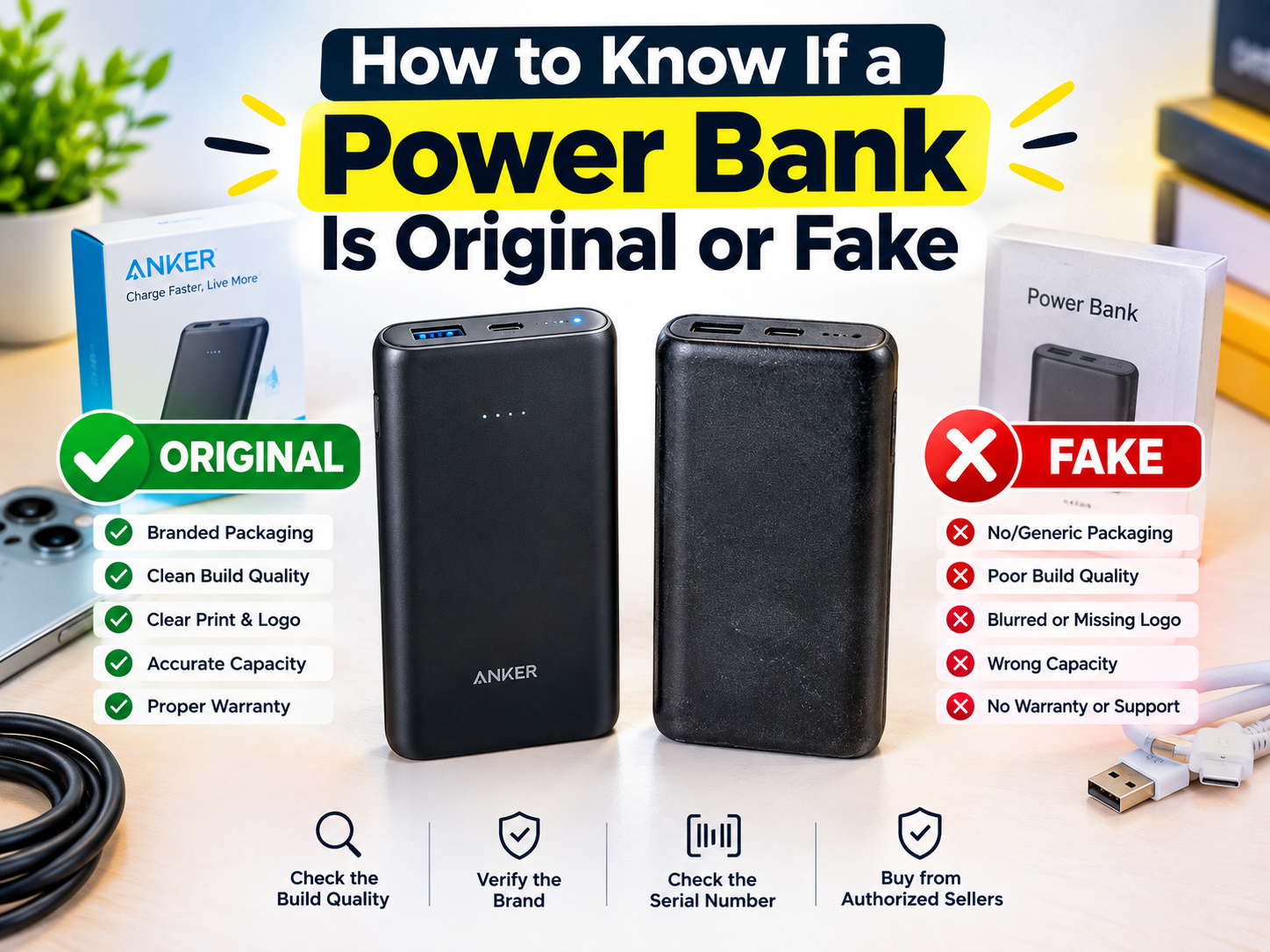
Avoid suspiciously cheap adapters with unclear specifications, poor construction, or no reliable seller information.
5. Consider Build Quality
A charging adapter is a device you may use every day, so its construction matters.
Look for a sturdy casing, a well-fitted charging port, and a plug that fits securely into the power socket. Avoid adapters with loose components, damaged plugs, unusual smells, or signs of overheating.
A well-made adapter from a reliable source is generally a better choice than an unverified product advertised only through its high wattage.
6. Choose the Correct Cable
Even if you purchase the best fast charging adapter, an unsuitable cable can limit charging performance.
Check whether the cable supports the required charging current, power rating, and charging protocol. Some devices also require a compatible cable to reach their highest supported charging speed.
For higher-power USB-C charging, the cable’s specifications can be particularly important.
If your phone is charging slowly, try checking the cable before replacing the adapter.
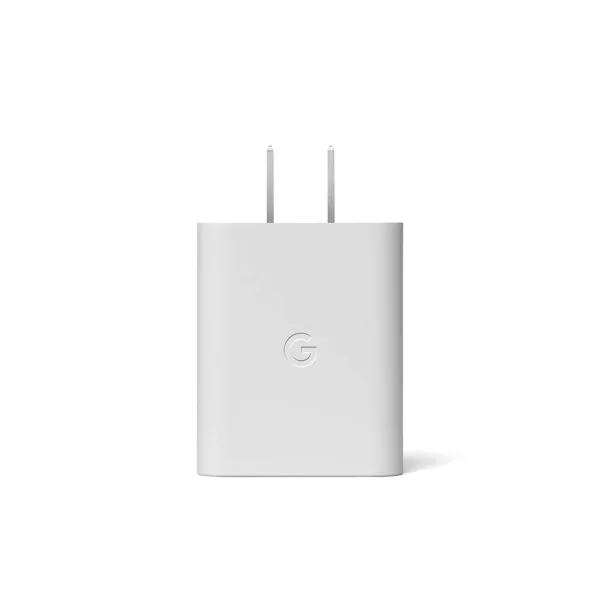
Google Pixel Original 30W Type-C Fast Charger PD Wall Adapter
Which Fast Charging Adapter Is Best for Different Devices?
The best adapter depends on the device you want to charge.
Best Fast Charging Adapter for Android Phones
Android phones have different charging requirements depending on the manufacturer and model.
A 20W, 25W, or 33W adapter may be suitable for some phones, while others support higher wattages or proprietary charging systems.
Before buying an adapter for an Android phone, check its maximum supported charging speed and the charging protocol it requires.
For the best results, choose an adapter and cable that are compatible with your specific model.
Best Fast Charging Adapter for iPhones
For newer iPhone models that support USB-C charging, a compatible USB-C adapter supporting USB Power Delivery is a practical option.
The appropriate wattage depends on the iPhone model and Apple’s charging recommendations. A higher-wattage USB-C adapter may also be useful for other compatible devices, but it will not necessarily make every iPhone charge faster.
If you own an older iPhone with a Lightning port, make sure you have the appropriate cable for your device.
Always check your model’s specifications before purchasing a new charger.
Best Adapter for Wireless Earbuds
Wireless earbuds usually have smaller batteries than smartphones and generally require less power.
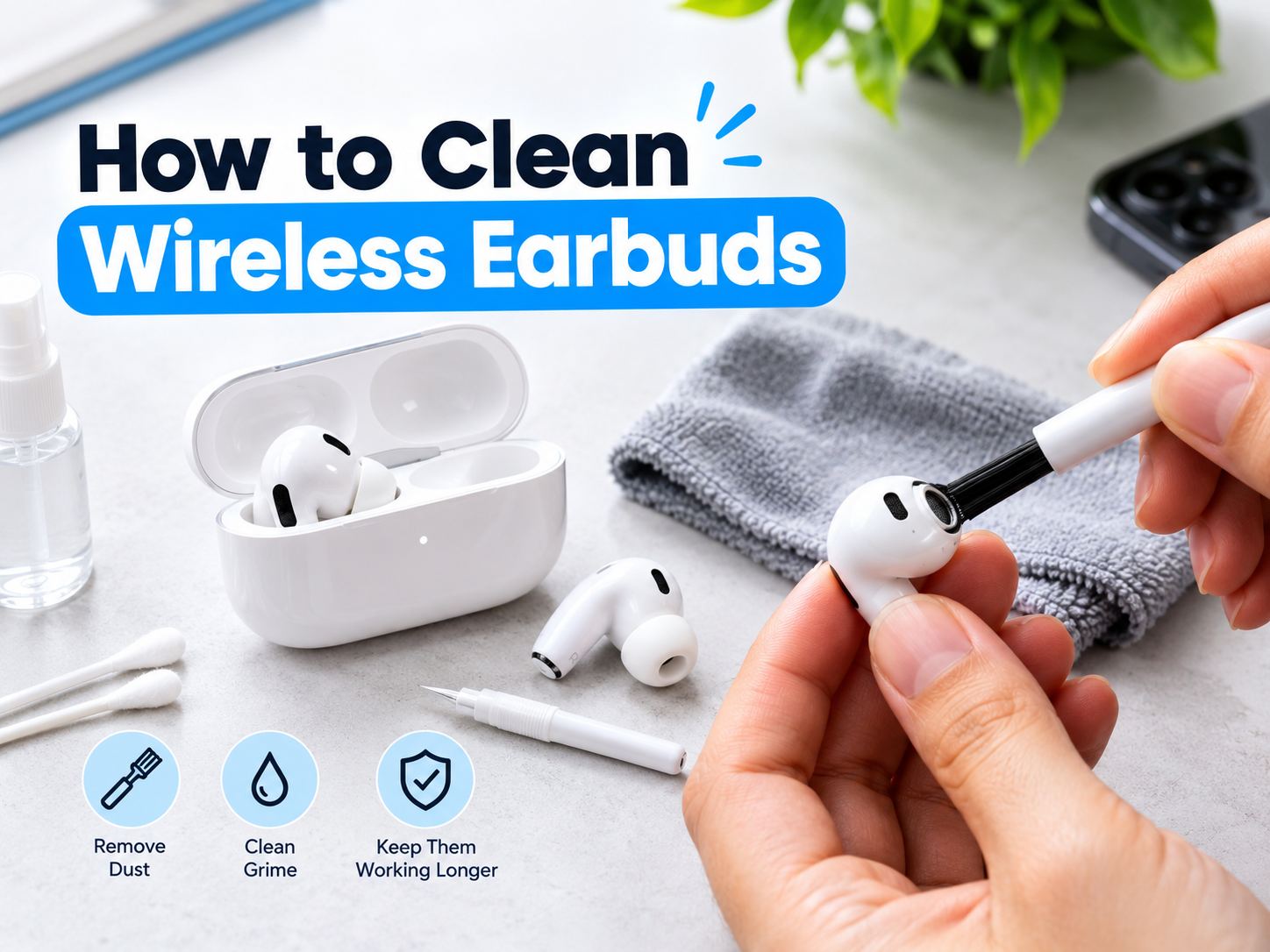
You can often use a reputable USB charger to charge compatible earbuds, but follow the earbud manufacturer’s instructions. Check the charging case’s connector and recommended power requirements.
You do not need to purchase a high-wattage adapter specifically for earbuds unless you also intend to use it with other compatible devices.
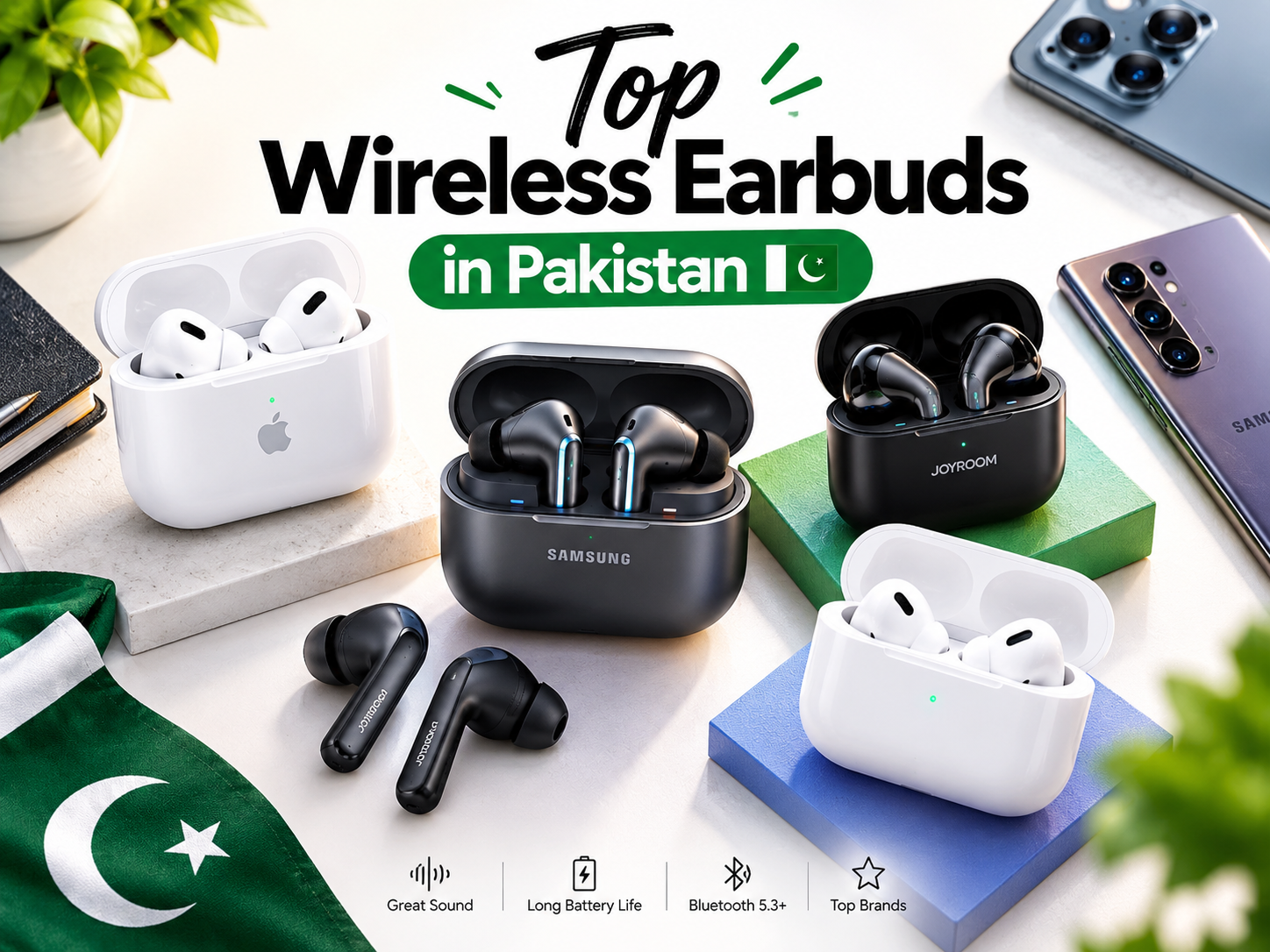
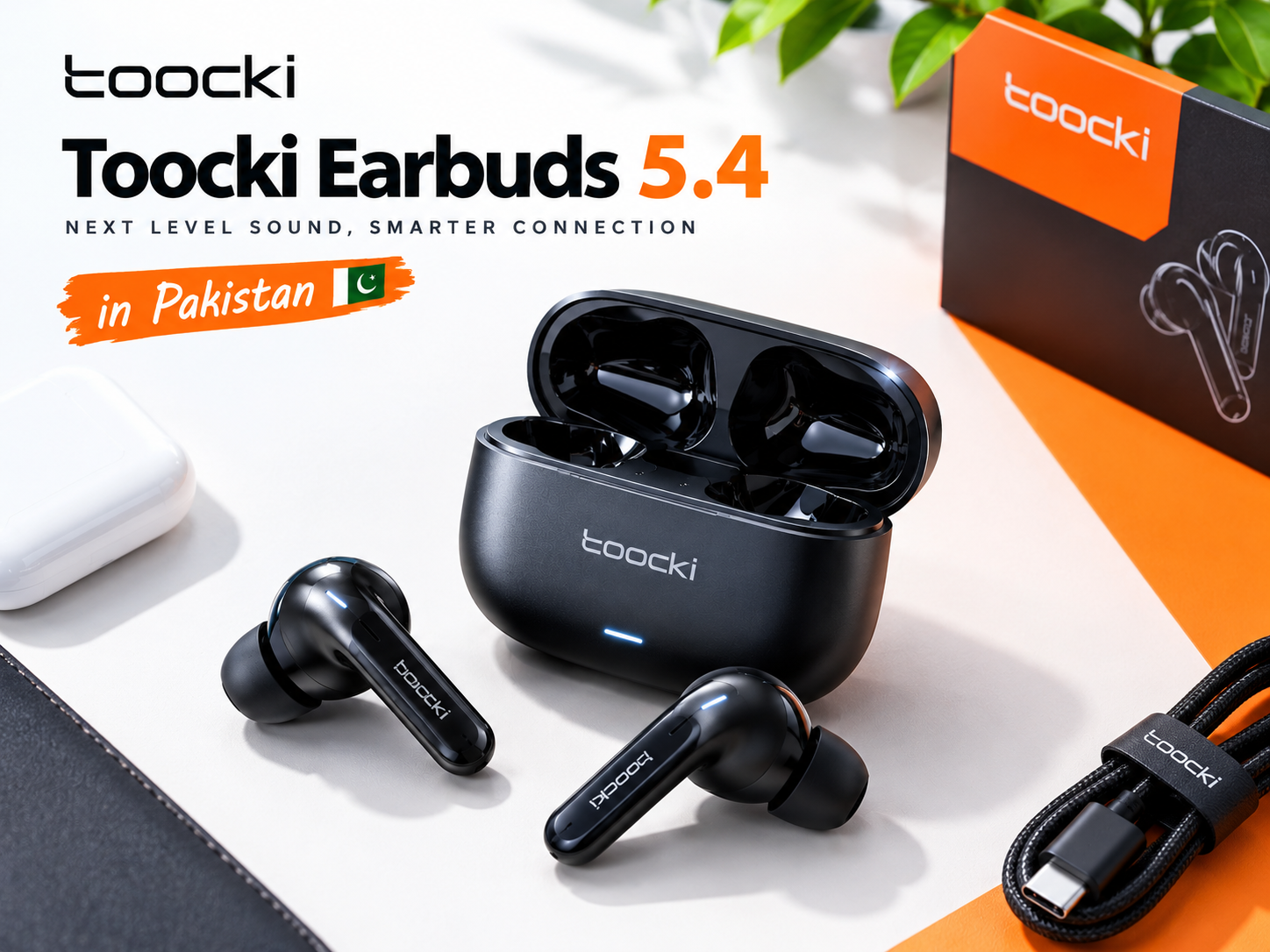
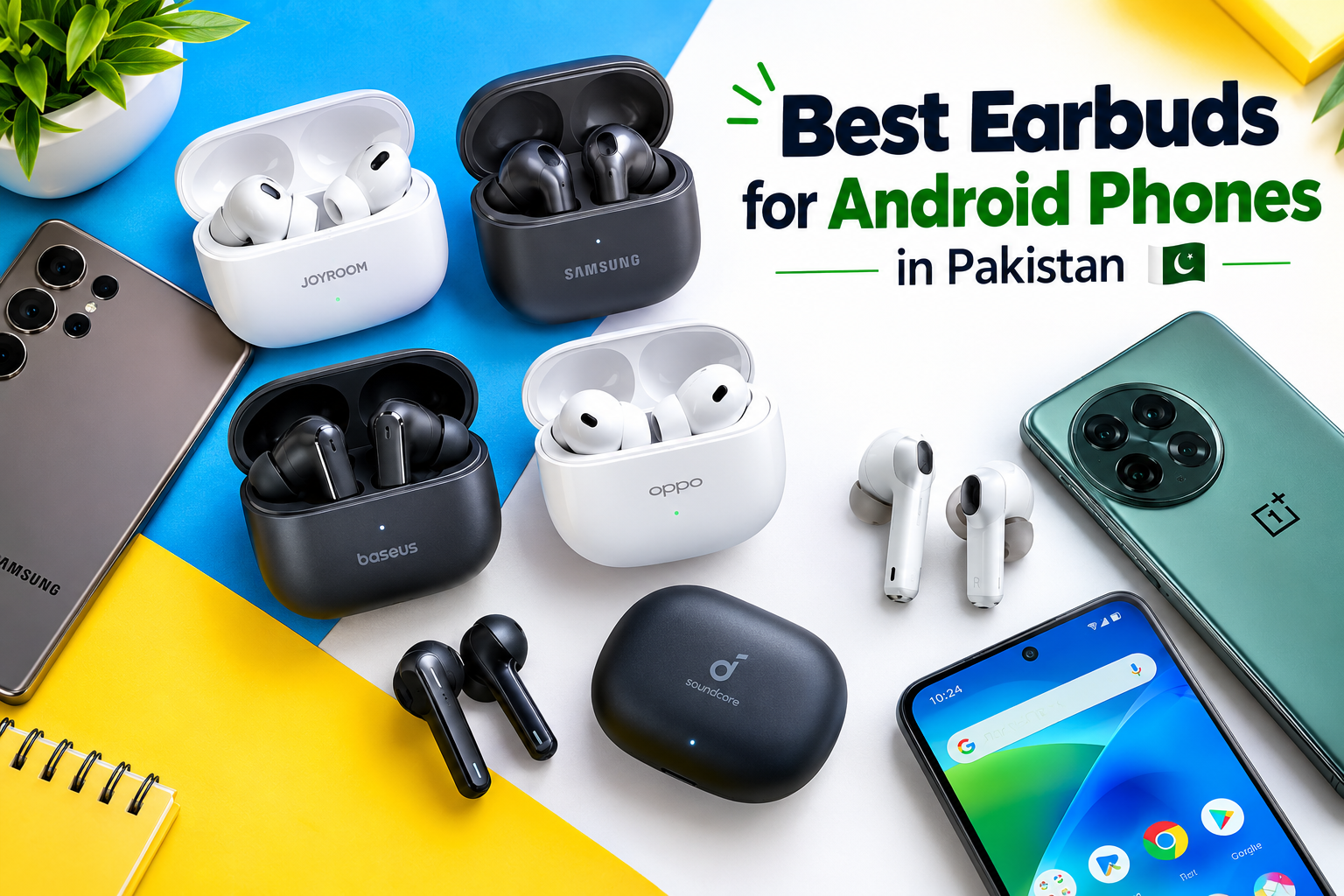
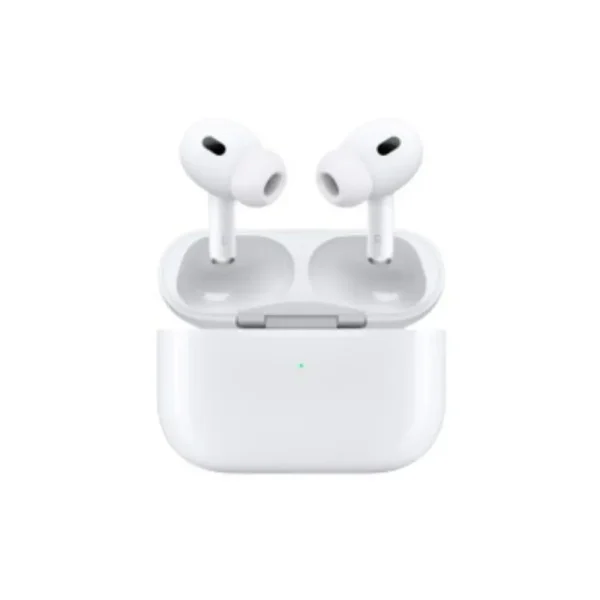
If you use wireless earbuds regularly, you can explore the available options in the Techify online store.
Best Adapter for Tablets
Some tablets can benefit from higher-power charging adapters, particularly models that support USB-C Power Delivery.
Check the tablet manufacturer’s recommended wattage and charging standard. An adapter that provides insufficient power may charge the tablet slowly, especially while you are using it.
For a tablet, a compatible 30W, 45W, or higher-rated adapter may be appropriate, depending on the model.
Best Adapter for Multiple Devices
If you need to charge several devices, consider an adapter with multiple charging ports.
Before buying, check the total power output and how power is distributed when more than one device is connected. Some multiport chargers reduce the power available to each port when multiple devices are charging simultaneously.
Choose an adapter that provides sufficient power for your intended combination of devices.
Fast Charging Adapter vs Regular Charger
The main difference between a fast charging adapter and a basic charger is the power output and the charging technologies supported.
A compatible fast charging adapter can deliver more power when the connected device requests it and the required charging conditions are met.
A basic charger may offer a lower maximum output and may not support newer charging protocols.
However, fast charging is not determined by wattage alone. A well-matched adapter with the correct charging standard can perform better than a higher-wattage adapter that is incompatible with your device.
For everyday use, compatibility, build quality, and safety are more important than choosing a charger based only on its advertised power rating.
How to Buy the Best Fast Charging Adapter in Pakistan
When shopping for a fast charging adapter in Pakistan, consider these practical points before placing your order.
1. Check the Product Specifications
Read the product description carefully. Confirm the wattage, port type, supported charging protocols, and included accessories.
Avoid products that advertise impressive charging speeds without providing clear technical information.
2. Compare Price and Quality
Prices can vary depending on the brand, charging power, number of ports, and build quality.
Do not assume that the most expensive adapter is always the best, or that the cheapest adapter offers good value. Compare specifications and buy from a seller you can trust.
3. Check Seller Reliability
Look for clear seller information, a return policy, and warranty details where available. Product images and packaging alone do not guarantee authenticity.
If you are buying a branded charger, check whether the seller can provide reliable information about its origin.
4. Confirm What Is Included
Some charging adapters are sold without a cable. Others include a cable or offer multiple charging ports.
Check the package contents before ordering so you can determine whether you need to purchase a compatible cable separately.
5. Choose Based on Your Needs
A person who only charges wireless earbuds may not need the same adapter as someone who charges a tablet and smartphone.
Think about the devices you use most often and select an adapter that meets their actual requirements.
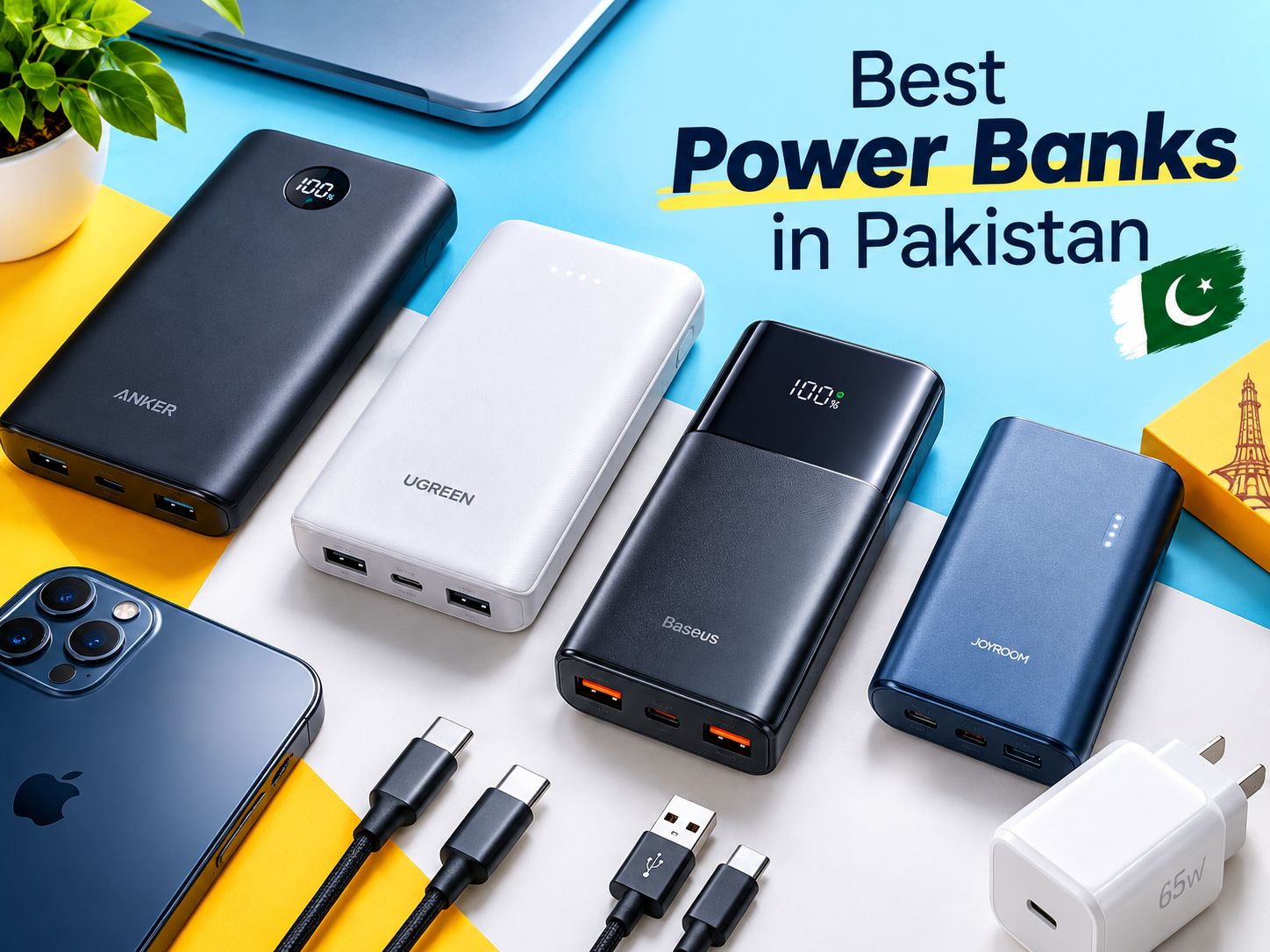
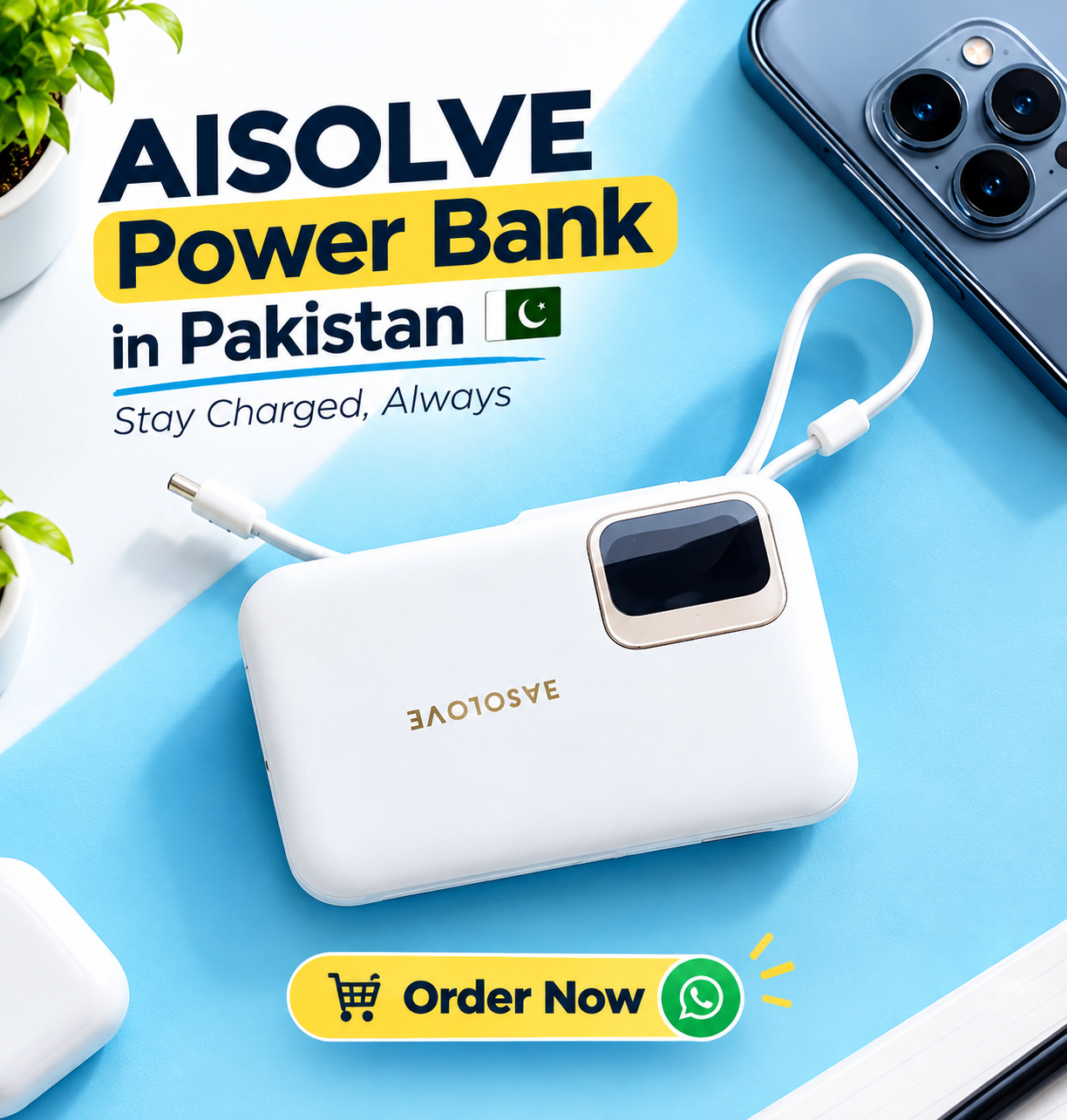
You can also explore other charging accessories, including the Aisolove 10000mAh Digital Display Power Bank, if you need a portable charging option for compatible devices.
Common Mistakes to Avoid When Buying a Fast Charging Adapter
Avoid these common mistakes when selecting a charger.
Buying based only on wattage: A 65W adapter is not automatically better for a phone that supports a lower charging speed.
Ignoring charging protocols: Your phone may require a particular standard to reach its maximum charging speed.
Using a poor-quality cable: An incompatible or damaged cable can reduce charging performance and may create safety concerns.
Choosing an unverified product: Unclear specifications and questionable build quality can make an adapter a poor long-term choice.
Ignoring overheating: A charger that becomes unusually hot, produces a burning smell, makes abnormal noises, or shows visible damage should be disconnected from power and replaced or checked by a qualified professional.
Assuming every USB-C charger is identical: USB-C describes the connector type, not every charging capability the adapter may support.
Avoiding these mistakes can help you select a suitable charger for your devices.
Tips for Getting Better Charging Performance
Even with a compatible fast charging adapter, a few simple habits can help.
- Use a charger and cable that meet your device’s specifications.
- Keep the charging port free from dust and debris.
- Avoid using damaged cables or adapters.
- Keep your phone away from excessive heat while charging.
- Close demanding applications if you do not need them while charging.
- Check your phone’s charging settings if fast charging is not working as expected.
- Replace damaged accessories instead of continuing to use them.
Keep in mind that charging speed usually slows as the battery approaches a high charge level. This is a normal feature of modern battery management and helps manage battery temperature and charging conditions.
Frequently Asked Questions (FAQs)
1. Which is the best fast charging adapter?
The best fast charging adapter is one that matches your device’s supported wattage and charging protocol. Choose a reliable product with good build quality and appropriate safety features rather than selecting an adapter based on wattage alone.
2. Is a 20W fast charging adapter good?
A 20W adapter can be a suitable choice for many compatible smartphones and other devices. However, the actual charging speed depends on your device’s specifications and whether it supports the adapter’s charging standard.
3. Can I use a 33W charger for a phone that supports 20W?
Generally, a reputable, standards-compliant 33W adapter can be used with a compatible 20W phone. The phone normally regulates how much power it accepts. However, maximum charging speed is not guaranteed unless the required charging protocols are supported.
4. Does a higher-wattage charger charge every phone faster?
No. A phone has its own maximum charging capabilities. A higher-wattage adapter will not necessarily increase charging speed if the phone cannot use the additional power.
5. Is a USB-C adapter better than a USB-A adapter?
USB-C supports modern charging technologies, including USB Power Delivery on compatible products. However, the best option depends on your device, cable, and required charging standard. USB-A adapters can still be suitable for many devices.
6. Can I use a fast charging adapter for wireless earbuds?
You can generally use a reputable compatible USB adapter if it meets the earbud manufacturer’s charging requirements. The earbuds will only draw the power they are designed to accept.
7. Why is my phone charging slowly with a fast charger?
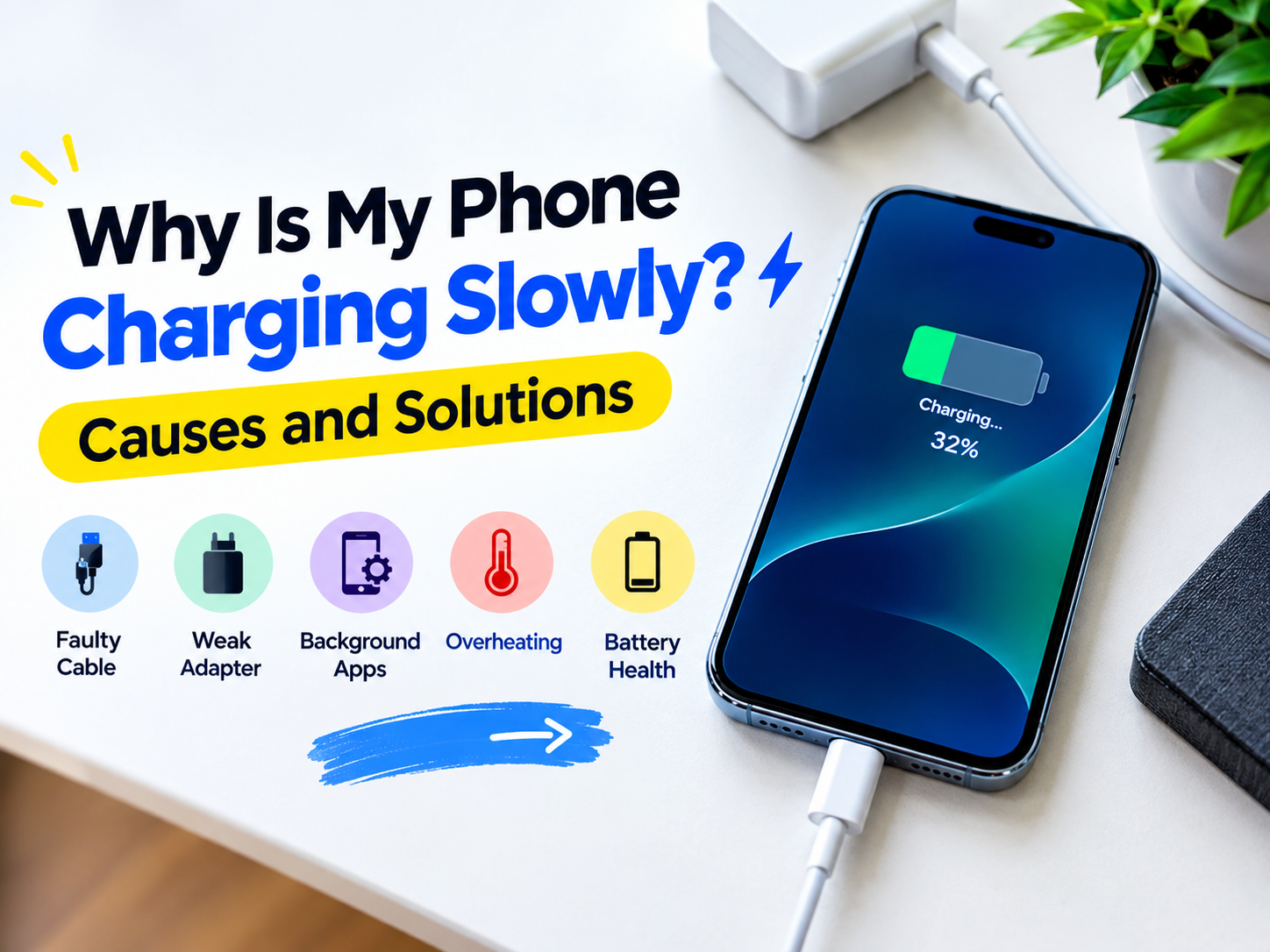
Possible causes include an incompatible charging protocol, a damaged cable, dust in the charging port, excessive device temperature, battery protection settings, or a problem with the adapter. Check the manufacturer’s troubleshooting guidance and test compatible accessories.
8. Is it safe to leave a phone charging overnight?
Modern smartphones generally include charging management features, but you should follow the manufacturer’s guidance. Use a reliable charger, avoid covering the phone while it charges, and keep it on a hard, well-ventilated surface away from excessive heat.
9. How can I identify a poor-quality charging adapter?
Watch for unclear specifications, poor construction, loose plugs, unusual heating, burning smells, or a lack of reliable seller information. Buy from a trusted source and stop using an adapter if you notice signs of damage or malfunction.
10. What should I check before buying a fast charging adapter in Pakistan?
Check the supported wattage, charging protocol, port type, cable compatibility, build quality, seller reliability, warranty details, and return policy. These factors will help you choose a charger that meets your needs.
Conclusion
Choosing the best fast charging adapter is about more than finding the highest wattage or the lowest price. You should consider your device’s charging requirements, supported charging protocols, cable compatibility, safety features, and the quality of the product.
For many users, a compatible 20W, 25W, or 33W adapter may be sufficient. Others may benefit from a higher-power USB-C adapter, particularly when charging compatible tablets or multiple devices.
Before purchasing, check your device manufacturer’s recommendations and buy from a reliable seller. With the right adapter, you can enjoy convenient, reliable charging that suits your everyday needs.
Explore Techify.pk for charging accessories and other useful tech products.